
Keep your waiting room information current, without lifting a finger.
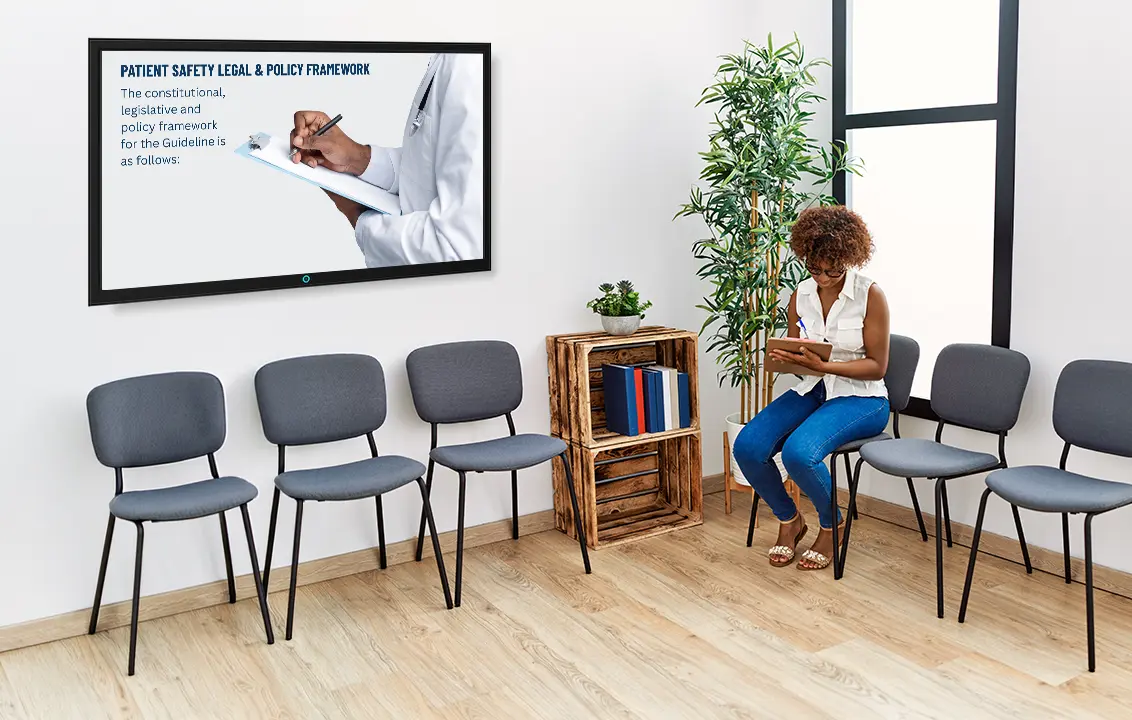
Patient rights. POPIA. Health education. Digital signage built for doctors' rooms and clinics - we manage the content, your TV just plays it.
What is digital signage?
A smarter way to share waiting room information.
Think of digital signage as a slideshow for your practice. It plays continuously on your Smart TV, displays important patient and compliance information, and can be updated remotely whenever something changes.
One screen, always current - no printouts, no flash drives, no wondering if what's on the wall is out of date.

In Collaboration with
Coastal IPA. Helping you with compliance.
Start with the essentials. Add your practice.
Every subscription includes the core compliance screens, kept up to date for you.
Want to make the screen feel more like your practice? We can create custom slides featuring your team, services, fees, contact details and more - all added and managed for you.
The Core Compliance Screens include:

User reporting mecanisms
Patient safety & legal policy framework
Patient rights charter
POPIA Act
Patient care prioritisation
DOC clinical guidelines
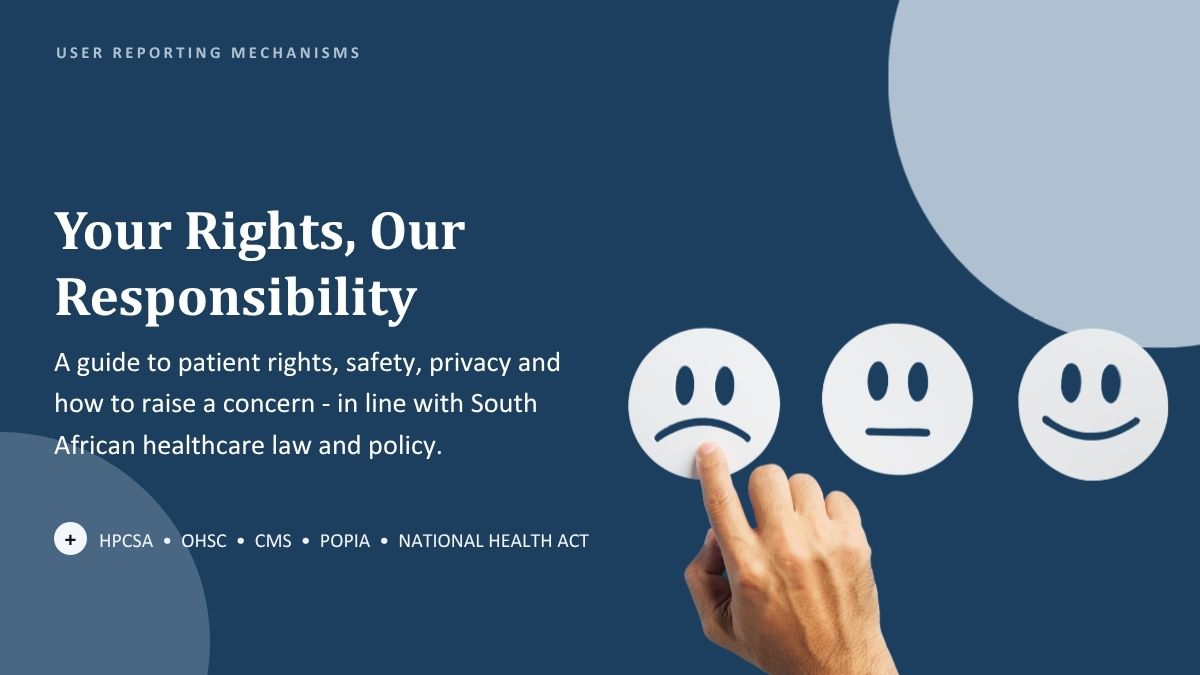
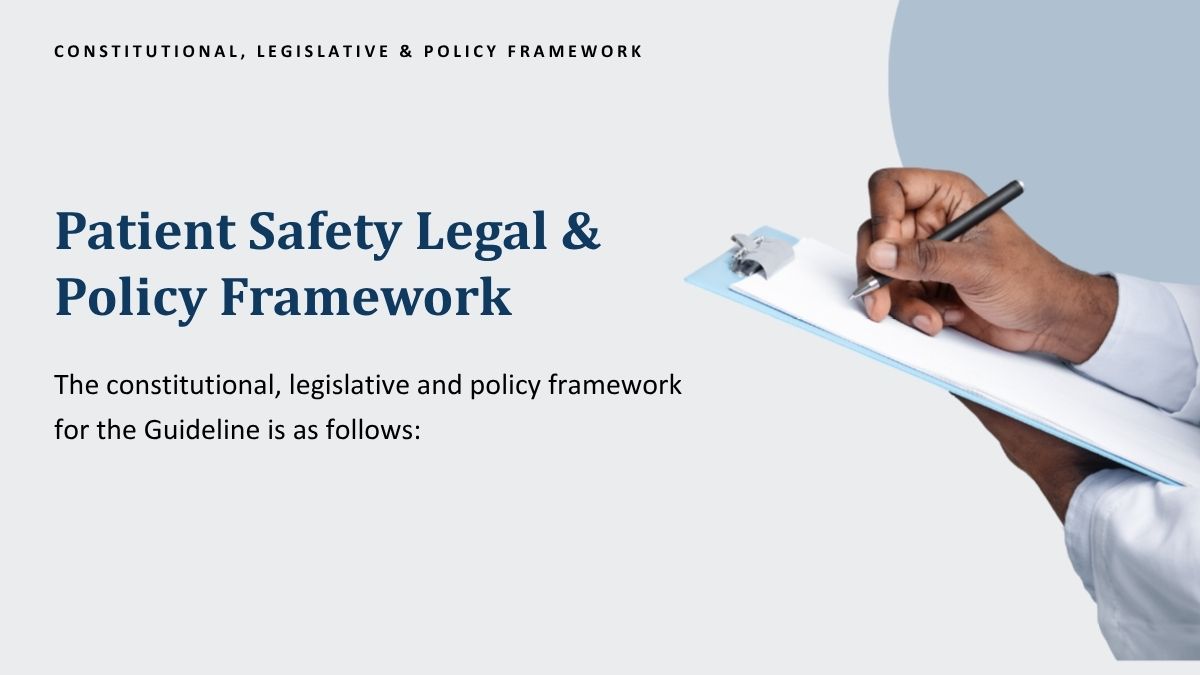
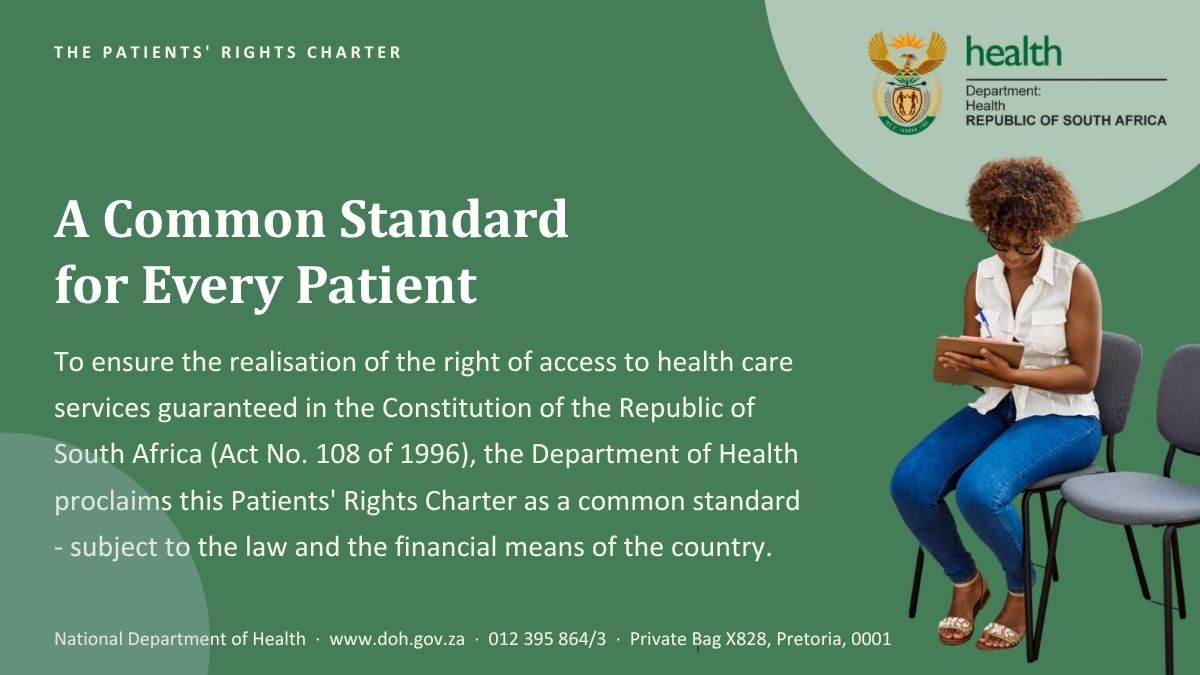
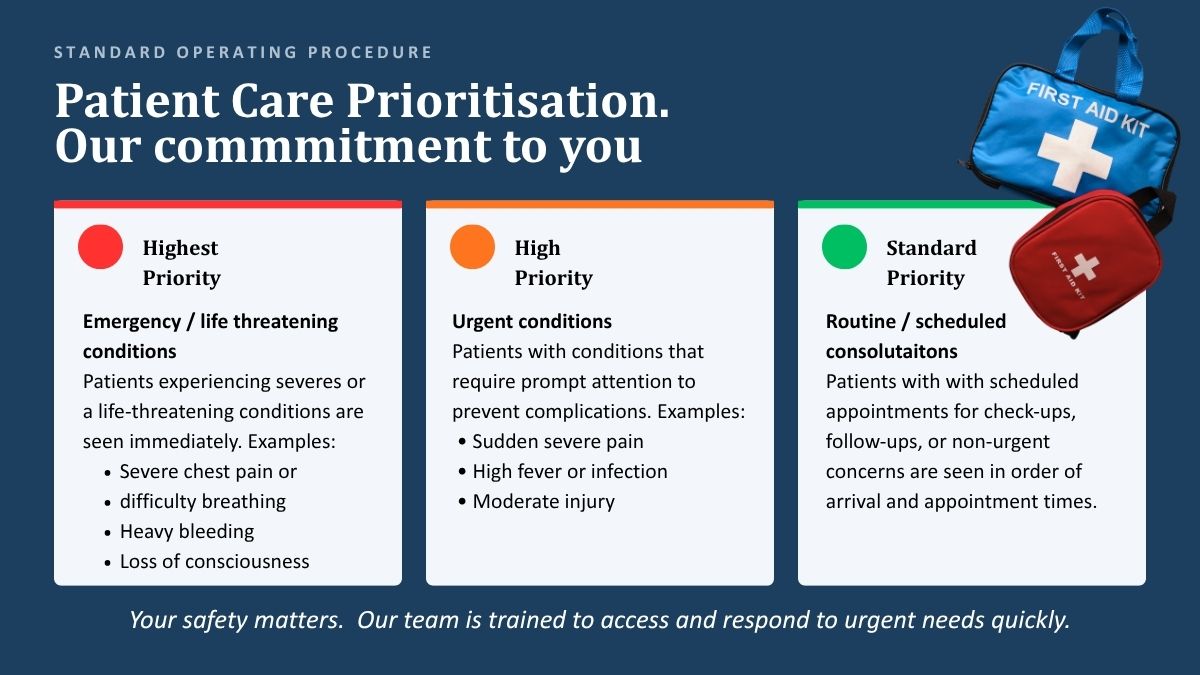
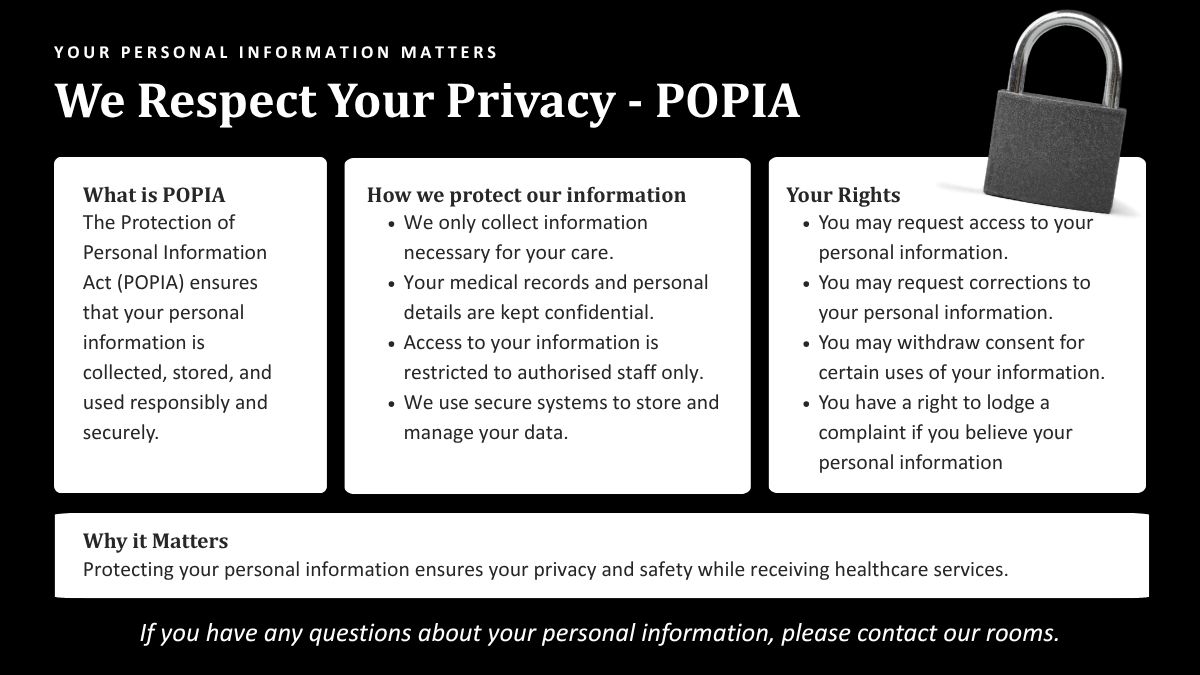
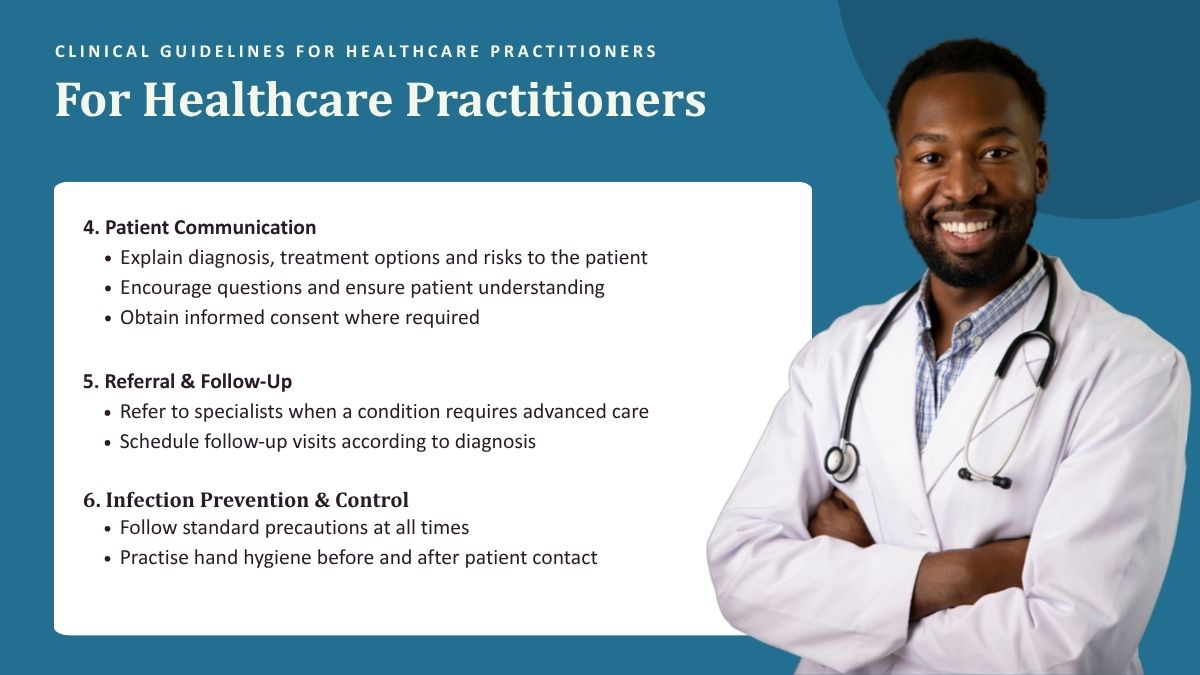
Above - a preview of some of the Core Compliance Screen slides.
Last updated: 31 July 2026, 25 slides in total
Above - a preview of some of the Core Compliance Screen slides.
Last updated: 31 July 2026, 25 slides in total
Why practices love it
Set it up once. It stays right, on its own.
Supports compliance
Display important patient policies clearly. We help you keep required information visible and up to date.
Always up to date
With Coastal IPA, we keep the content updated automatically - no files for you to install or copy.

One less thing to remember
No print files. No copying files to flash drives. No wondering whether your notices are current.

Professional presentation
Display important information clearly and consistently throughout the day, in every room.

Simple to manage
Once installed, simply open the app and your content is ready to play. That's the whole job.
How does it work?
It's as easy as 1, 2, 3.
After signing up with us:

Install the app
Download the app from the Google Play Store onto your Android TV or TV box.
Send us your code
Get your unique pairing code from the app and send it to us via email or WhatsApp.
Enjoy your display
Your slides start playing as soon as we register you. We'll take care of all the updates.
You can still browse other apps on your TV. Switch it off at night, back on in the morning, launch the app and you're set for the day.
That's it!
Pricing
Simple, annual pricing per smart TV.
Qualify for a discount!
Are you a Coastal IPA member? If so, you qualify for a R300 discount per year!
In Collaboration with
Coastal IPA. Helping you with compliance.
App Setup - For smart tv's
R2000 license per year per TV
Coastal IPA members only pay R1700
For Smart TVs with access to the Google Play Store*
No setup fee
Setup takes 1–3 days
All Core Compliance Screens and future updates
7 Day Free Trail available
* If your TV cannot access the Google Play Store, please click here get in touch.
Add on - custom screens
R400 license per year per TV
Custom slide* design and setup fee: R400 per slide once off.
Plays alongside the Core Compliance screens
As many slides as you want
Your own logo, fonts, text etc.
Setup takes 1-3 weeks once you supplied all the info
1 minor update included per year
*Slide = page. So if your Custom Screen has 4 slides/pages, it's R1600 setup once off
Frequently asked questions
Learn more here
What is included in the annual subscription?
Every subscription includes access to the Core Compliance Screens and all future updates on one registered TV. Custom practice slides are optional and charged separately.
Can I use the subscription on more than one TV?
Subscriptions are charged per TV. Each TV has its own pairing code and must be registered separately.
What if I need to cancel
Subscriptions are paid annually in advance. If you decide not to continue, simply choose not to renew at the end of your current term. Your licence will remain active until its expiry date, but we do not refund unused months. Our 7-day free trial still applies.
How do I receive updated content?
Whenever we publish new content, your TV automatically downloads the latest version the next time it connects to the internet.
How do I know whether my TV is compatible?
Your TV or TV box must use Android and allow apps to be installed from the Google Play Store. A Smart TV is not necessarily an Android TV - please check you can access the Google Play store. If you can't please get in touch.
What happens if my internet goes down?
Your screen keeps playing the most recently downloaded content offline. It'll pick up new updates automatically once you're back online.
Can I use the TV for anything else?
Yes — you can still browse other apps on your TV. Just launch the app when you want your waiting room content playing.
Do I need to leave the TV on overnight?
No. Turn the TV on when your practice opens and launch the app.
What if I replace my TV?
Install the app on the new TV and send us the new pairing code.
What if I need custom content for my screen
Please get in touch! We can customise you your own practice specific screen with any details you may need. This could include your logo, team photos, consultation hours, fees, contact details and more.
Ready to put your waiting room screen to work?
Sign up in a few minutes and let's get you started!